
If you want to reduce cart abandonment on Shopify in 2026, you need more than basic reminder emails. Rising competition, higher customer expectations, and slower checkout experiences are causing more shoppers to leave before completing purchases.
Understanding how to reduce cart abandonment on Shopify can dramatically increase revenue without spending more on ads. In this guide, you’ll learn proven strategies to recover lost sales and optimise your checkout process effectively.
Why Cart Abandonment Happens on Shopify
Before you can reduce cart abandonment on Shopify, you must understand why it happens.
Common reasons include:
- Unexpected shipping costs
- Complicated checkout process
- Mandatory account creation
- Slow loading speed
- Limited payment options
- Lack of trust signals
Most abandoned carts are not lost due to product dissatisfaction — they’re lost due to friction.
Simplify the Shopify Checkout Process
A complicated checkout increases abandonment instantly.
To reduce cart abandonment on Shopify:
- Enable guest checkout
- Reduce unnecessary form fields
- Use auto-fill options
- Keep checkout to one page if possible
- Optimise for mobile users
The fewer steps customers take, the higher your conversion rate.
Be Transparent About Costs
Hidden costs are one of the biggest drivers of Shopify cart abandonment.
Best practices:
- Show shipping costs early
- Offer free shipping thresholds
- Display taxes clearly
- Avoid surprise fees at checkout
Transparency builds trust and improves checkout completion rates.
Optimize Site Speed & Mobile Experience
In 2026, most Shopify traffic comes from mobile.
To reduce cart abandonment on Shopify:
- Compress images
- Use a fast Shopify theme
- Remove unnecessary apps
- Test page load speed regularly
Even a 1–2 second delay can significantly increase abandoned carts.
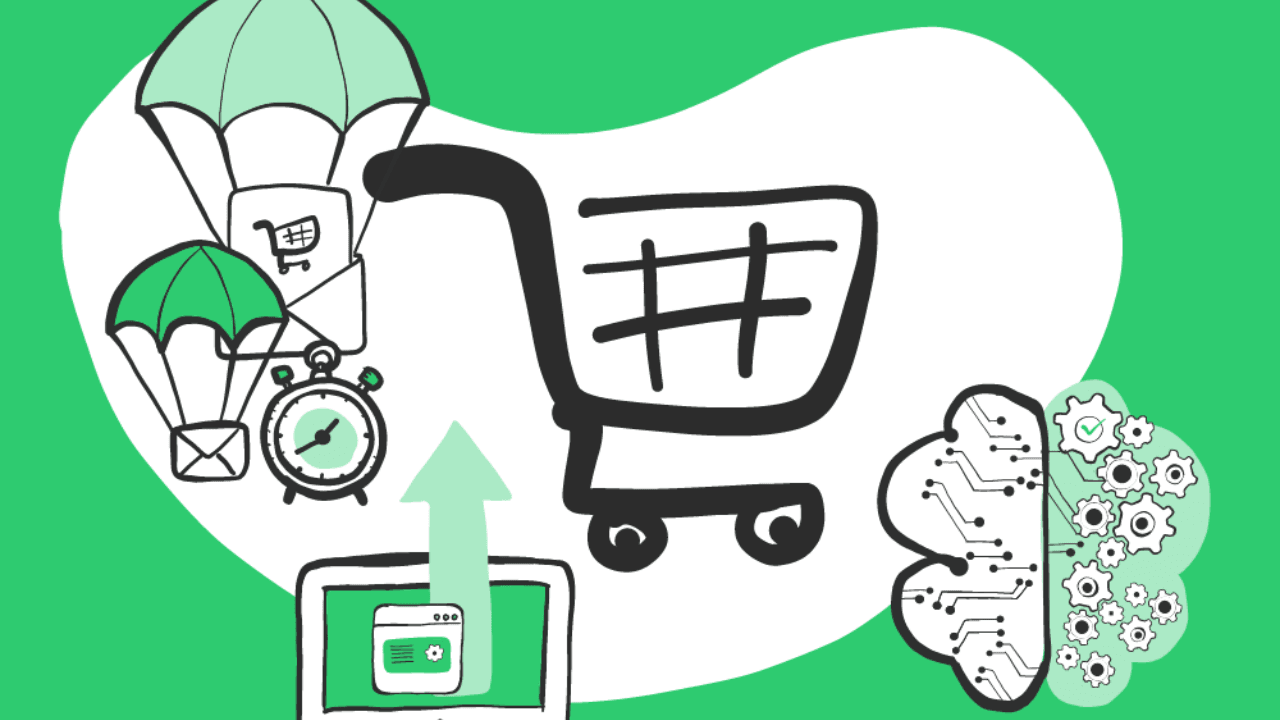
Use Abandoned Cart Recovery Emails
Shopify offers built-in abandoned cart recovery features — use them strategically.
Set up:
- Reminder email within 1 hour
- Follow-up email after 24 hours
- Final incentive email (discount or urgency trigger)
Personalised subject lines improve open rates dramatically.
Example:
“You left something behind…”
Effective email automation can recover 10–20% of abandoned carts.
Add Trust Signals to Reduce Checkout Anxiety
Customers hesitate when they don’t feel secure.
Add:
- SSL badges
- Secure payment icons
- Customer reviews
- Clear refund policy
- Contact information visibility
Trust signals directly help reduce cart abandonment on Shopify.
Offer Multiple Payment Options
Limited payment options increase friction.
Enable:
- Credit/debit cards
- UPI (for Indian market)
- Wallet payments
- Buy Now Pay Later options
The easier it is to pay, the less likely customers abandon checkout.
Use Exit-Intent Popups Strategically
Exit-intent popups can reduce abandoned carts when used carefully.
Example offers:
- 5%–10% discount
- Free shipping coupon
- Limited-time urgency message
Do not overuse popups — they should reduce friction, not create it.
Implement Retargeting Campaigns
Even if customers leave, you can bring them back.
Use:
- Facebook retargeting ads
- Instagram retargeting
- Google Display retargeting
Retargeting reinforces brand recall and reduces overall Shopify cart abandonment.
Analyze Abandonment Data
You can’t reduce cart abandonment on Shopify without analysing data.
Track:
- Abandonment rate
- Checkout drop-off step
- Device-based behaviour
- Traffic source performance
Use insights to refine your checkout and messaging.
Common Mistakes That Increase Cart Abandonment
Avoid these:
- Slow mobile checkout
- Forced account registration
- Poor refund visibility
- Overcomplicated discount codes
- No recovery email sequence
Small mistakes compound lost revenue.
Conclusion
Learning how to reduce cart abandonment on Shopify in 2026 is one of the fastest ways to increase revenue without increasing traffic. By simplifying checkout, improving transparency, automating recovery emails, and building trust, you can significantly improve conversion rates.
Reducing cart abandonment is not about pushing harder — it’s about removing friction.